RotN Lip Mapper
A downloadable tool
This tool is used to make .lipmap files for the shopkeeper mode for custom charts in Rift of the Necrodancer. The default song in the files currently is Red-Handed from the album Sinister Minds on Youtube.
HOW TO USE
Import the music that you want to make a .lipmap of.
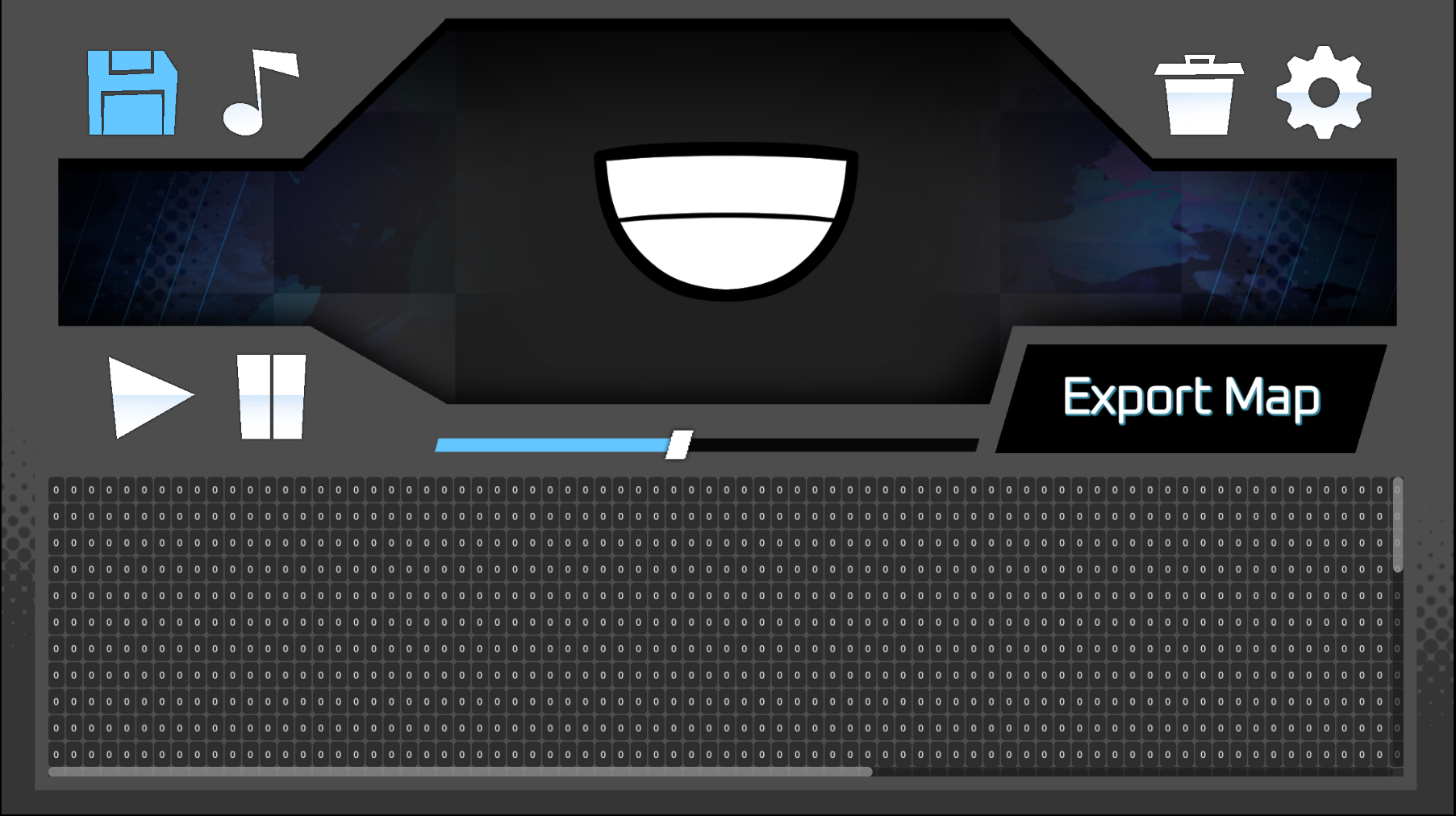
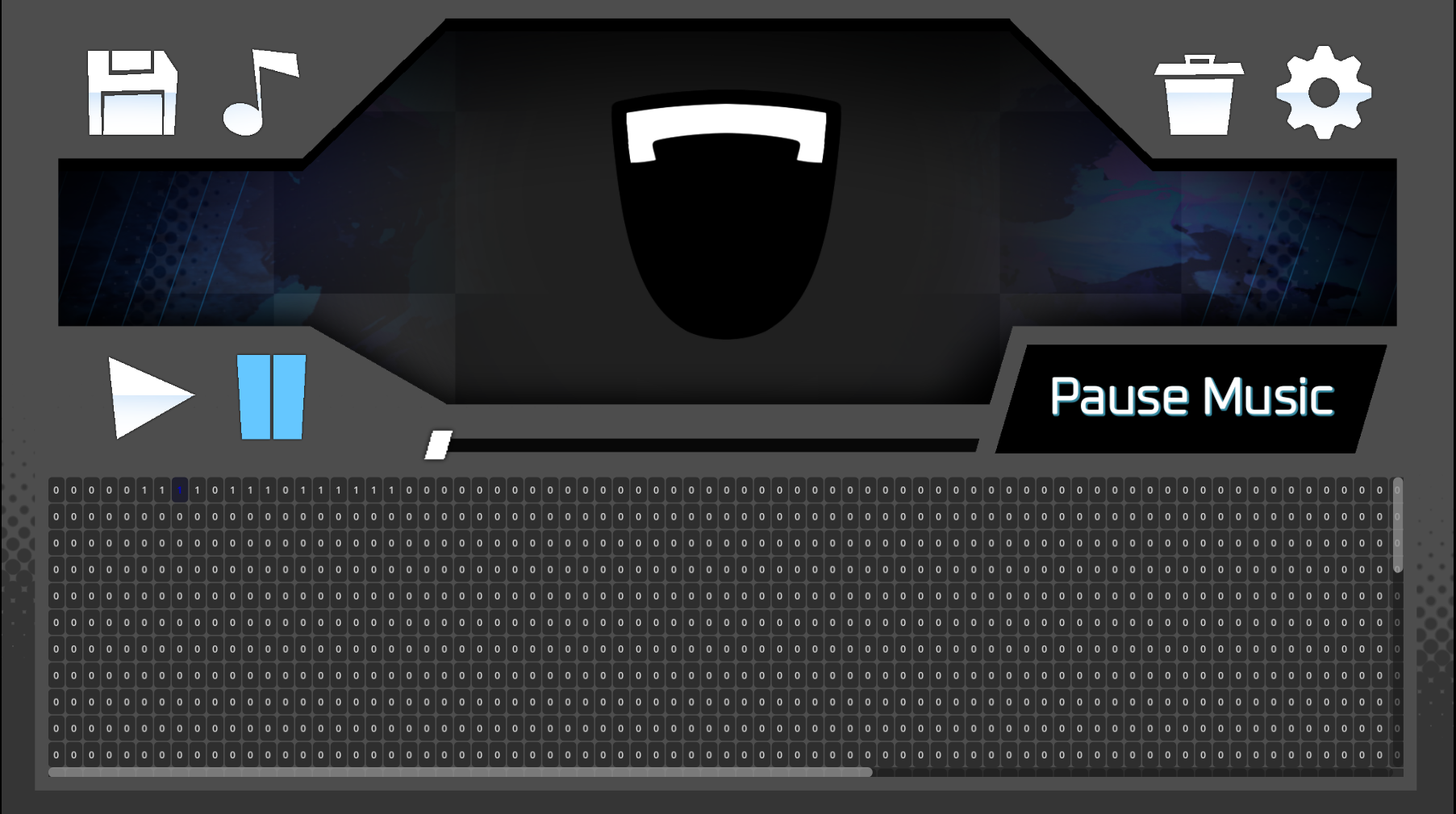
When you hit play the song will start playing and you can use your Spacebar in order to make the mouth indicator open. While the mouth is open the software will flip the necessary bits to match the spacebar input.
If you want to make finer tuned changes, you can click individual buttons to flip bits on the chart. (Dependent on the length of the song you might have to scroll to see all of the bits in the chart.)
When done you are able to export the .lipmap to any file on your computer and then slot it into your chart's files.
Once you have done so, change the .lipmap in the info.json file to match the file name of your .lipmap file and it should work.
CONTROLS:
A/Left - Rewind 5 Seconds
D/Right - Fast-foward 5 Seconds
LMB - Toggle mouth open on hovered button
RMB - Jump to hovered button position
Spacebar - Change to open mouth for as long as it is held
Shift + Space - Change to close mouth for as long as it is held
Enter - Pause & Play
CREDITS:
Programming: FinBoo (Me)
Artwork/UI: Zacc
Thank you so much for using my tool and let me know of any bugs that you all run into! This is still a work in progress and the timing isn't perfect, but you should be able to finetune to get everything exactly how you want!
Download
Click download now to get access to the following files:
Leave a comment
Log in with itch.io to leave a comment.